
SNACK: 3-line summary
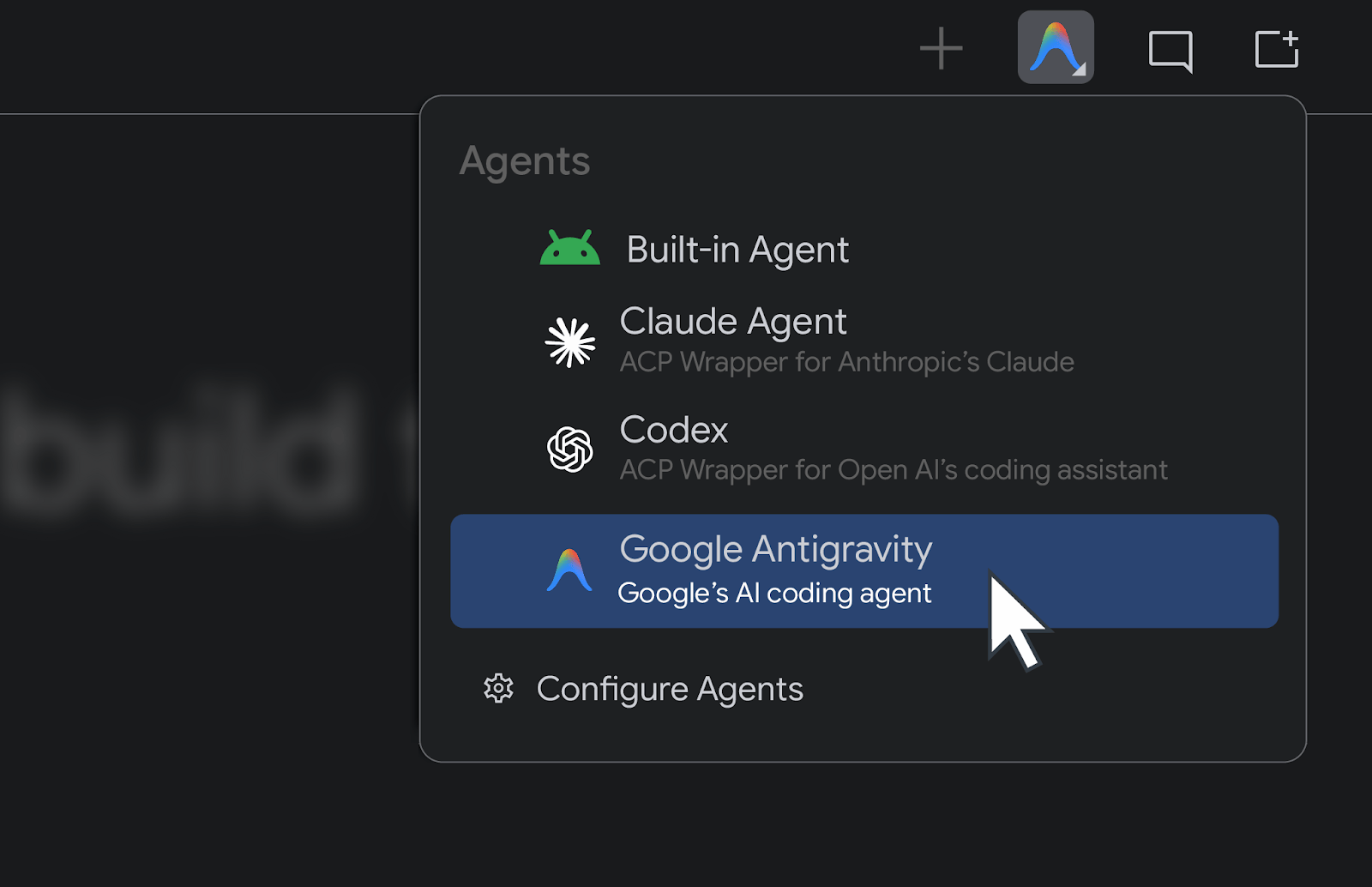
- Google announced Bring Your Own Agent, a way to connect a preferred AI coding agent to Android Studio.
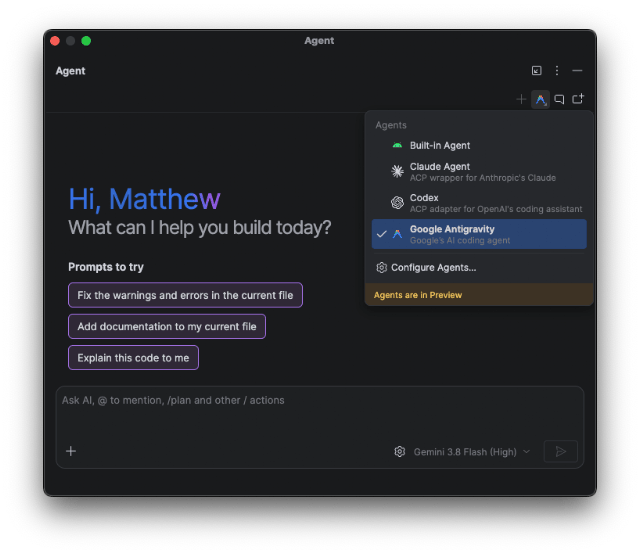
- Developers can choose Claude Agent, Codex or Google Antigravity, or connect another ACP-compliant agent.
- The preview is rolling out with Android Studio Rabbit 2 Canary; connecting an agent requires signing in or providing an API key.
Google announced Bring Your Own Agent (BYOA) for Android Studio on September 24. It lets developers choose an AI coding agent inside the IDE, with a preview rolling out starting in the Android Studio Rabbit 2 Canary release. Claude Agent, Codex and Google Antigravity are among the featured choices.
Snackgirls react
AIKO: Passing the project graph and build setup to an agent is the part I want to watch. How well will it narrow that context down to the files it needs?
Nea: I’m curious about handing a task to another agent midway through. I’d like to see whether that keeps the work moving when the first one gets stuck.
Project context for the agent you choose
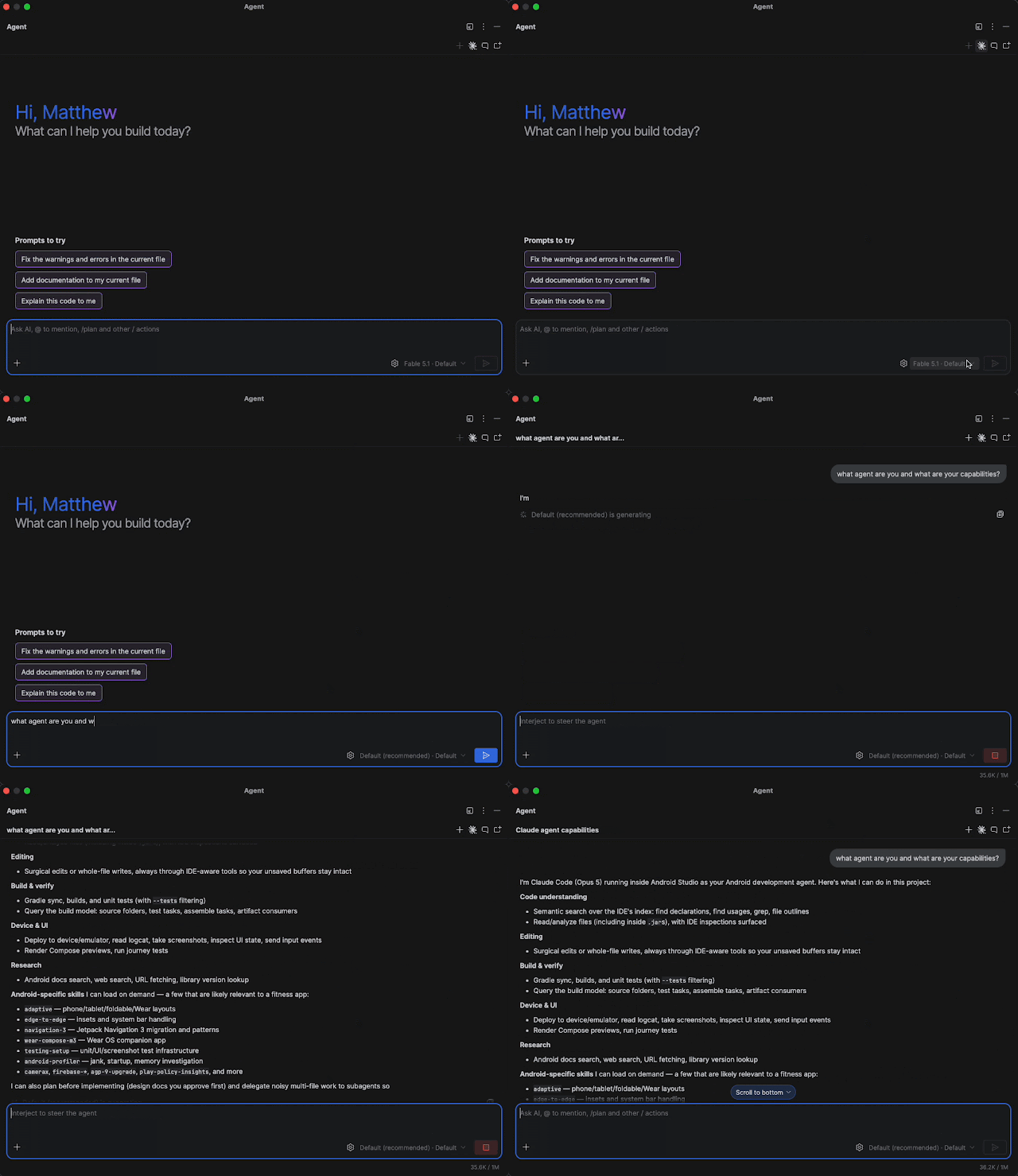
Android Studio uses Agent Client Protocol (ACP) to give an agent the project graph, build setup and platform details. The agent can filter that information to what it needs. Developers can also connect other ACP-compliant agents directly to the IDE.
Build diagnostics and previews within reach
Connected agents can access Android Studio build diagnostics, Jetpack Compose Previews, Android SDK tools and emulator controls. They can edit files and run tests, while granular permissions can pause riskier actions for developer approval.
Google says the built-in Gemini agent will remain available. For access to newer Gemini models and increased AI usage quota, it recommends selecting the Google Antigravity agent.
Getting started in Rabbit 2 Canary
Update Android Studio to the latest Canary release, then select Claude Agent, Codex or Antigravity in the agent window and sign in or provide an API key. Additional agents appear in the registry at Settings > Tools > AI > Agents. Support for consumer and enterprise AI plans depends on the agent provider.
Sources and checked date: Google · September 27, 2026