
SNACK: 3-line summary
- Google’s new desktop Chrome update fixes 10 security flaws, including one rated Critical.
- The Windows, Mac and Linux releases are rolling out gradually over days and weeks.
- Restart Chrome to apply a pending update, saving any work in Incognito windows first.
Google’s October 15 desktop Chrome update includes a critical Prerender fix. Check for an available update on your device and restart Chrome when it is ready to apply.
Snackgirls react
AIKO: I would pay attention to the digits after 155 here. The build number is doing the repair work without changing the name on the door.
Red: I’d get the restart done before I go chasing more links. Once I start browsing, there’s always one more tab I want to open.
A critical memory-safety fix in Prerender
Google lists CVE-2026-110922 in Prerender as Critical. It is a use-after-free vulnerability, meaning software accesses memory after that memory has been released. The update also includes six High-severity fixes and three Medium-severity fixes.
The announcement does not state that these vulnerabilities are being actively exploited. Some technical details may remain restricted until most users have updated, or until other projects using affected third-party libraries have fixes.
Still Chrome 155, with a newer build
For desktop Stable, Google lists version 155.0.8059.84/.85 for Windows and Mac, and 155.0.8059.84 for Linux. This release follows the separate October 13 update, whose builds ended in .79/.80.
Distribution may take days or weeks, so the new build might not appear on your device immediately. These version numbers apply to desktop Stable, not Android, iOS or Extended Stable.
Check for an update, then restart
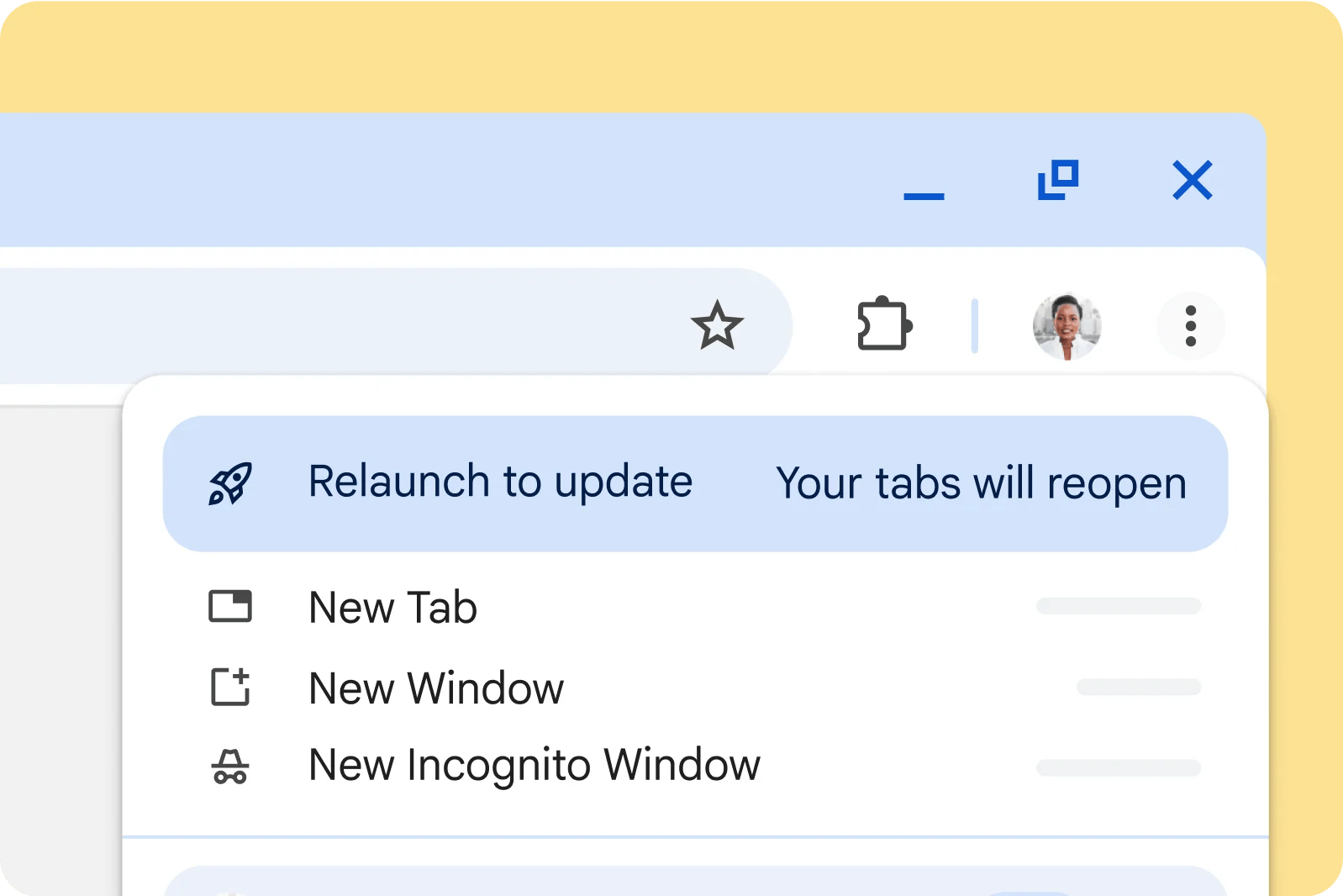
On Windows or Mac, open Chrome’s three-dot menu, then choose Help > About Google Chrome. The page displays your version and checks for updates; select Relaunch when an update is ready. On Linux, update Chrome through your package manager, then restart the browser.
Chrome normally applies background updates when you close and reopen it. Regular tabs and windows reopen after the restart, but Incognito windows do not, so save any work you need from those before relaunching.
Sources and checked date: October 18, 2026
Comments
0No login needed. Edit or delete your comment from the same browser.
All comments 0
한국어 · English · 日本語No comments yet. Start the conversation.