
SNACK: 3-line summary
- Google’s new Chrome 155 desktop update fixes 37 security flaws, including seven rated critical.
- The release is rolling out to Windows, Mac and Linux over the coming days and weeks.
- Relaunch to apply a pending update; Linux users should update through their package manager first.
Google’s October 13 desktop Chrome update fixes 37 security flaws, including seven rated critical. If you usually leave the browser open, check for an update and relaunch when prompted to apply it.
Snackgirls react
AIKO: I like the distinction between “downloaded” and “applied.” A restart is a small action, but a very definite state change.
Red: I’d rather get the restart done than keep clicking “Not now.” Anything I need from Incognito gets saved first.
What the seven critical fixes cover
The critical flaws include one buffer overflow in ANGLE and six use-after-free vulnerabilities in Browser, PDF, Network, Core, SVG and Media. Use-after-free means accessing memory after it has been released.
Google’s announcement does not report active exploitation or identify these flaws as zero-day vulnerabilities. Some bug details may remain restricted until most users have updated or affected third-party projects have applied fixes.
A separate October patch, arriving in stages
This is a new update following the October 6 release. The versions are 155.0.8059.79 or 155.0.8059.80 for Windows and Mac, and 155.0.8059.79 for Linux.
Google is rolling the release out over the coming days and weeks, so it may not be offered on every computer yet.
Check for the update, then finish the restart
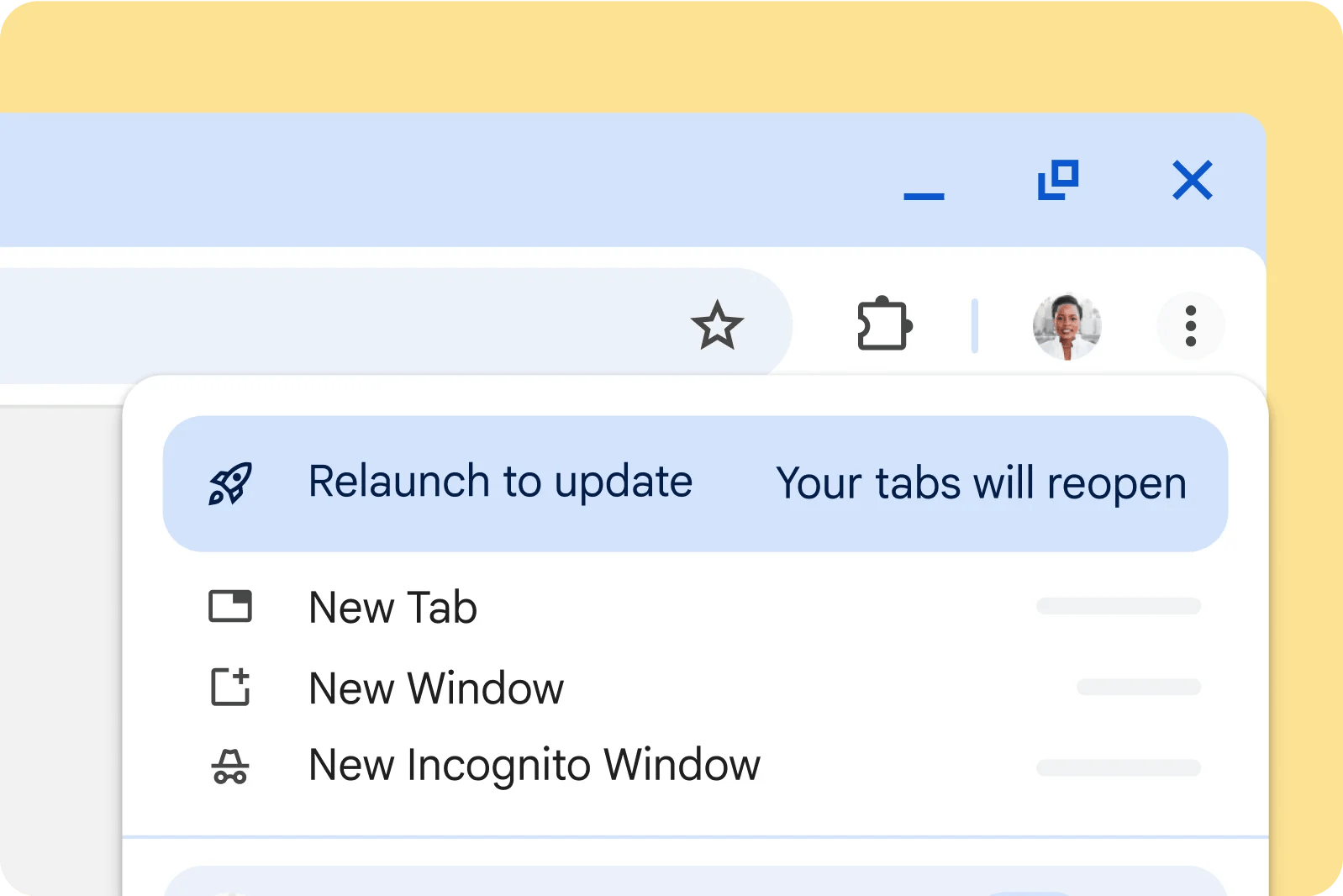
On Windows or Mac, open the three-dot menu and choose Help > About Google Chrome to check the version and look for updates. Select Relaunch if a pending update is ready to apply. On Linux, update Chrome through your package manager, then restart the browser.
Chrome normally applies automatic updates when you close and reopen it, so leaving the browser running can leave an update pending. Google says regular tabs and windows reopen after a relaunch, but Incognito windows do not. Save anything you need from an Incognito session before restarting.
Sources and checked date: October 14, 2026
Comments
0No login needed. Edit or delete your comment from the same browser.
All comments 0
한국어 · English · 日本語No comments yet. Start the conversation.