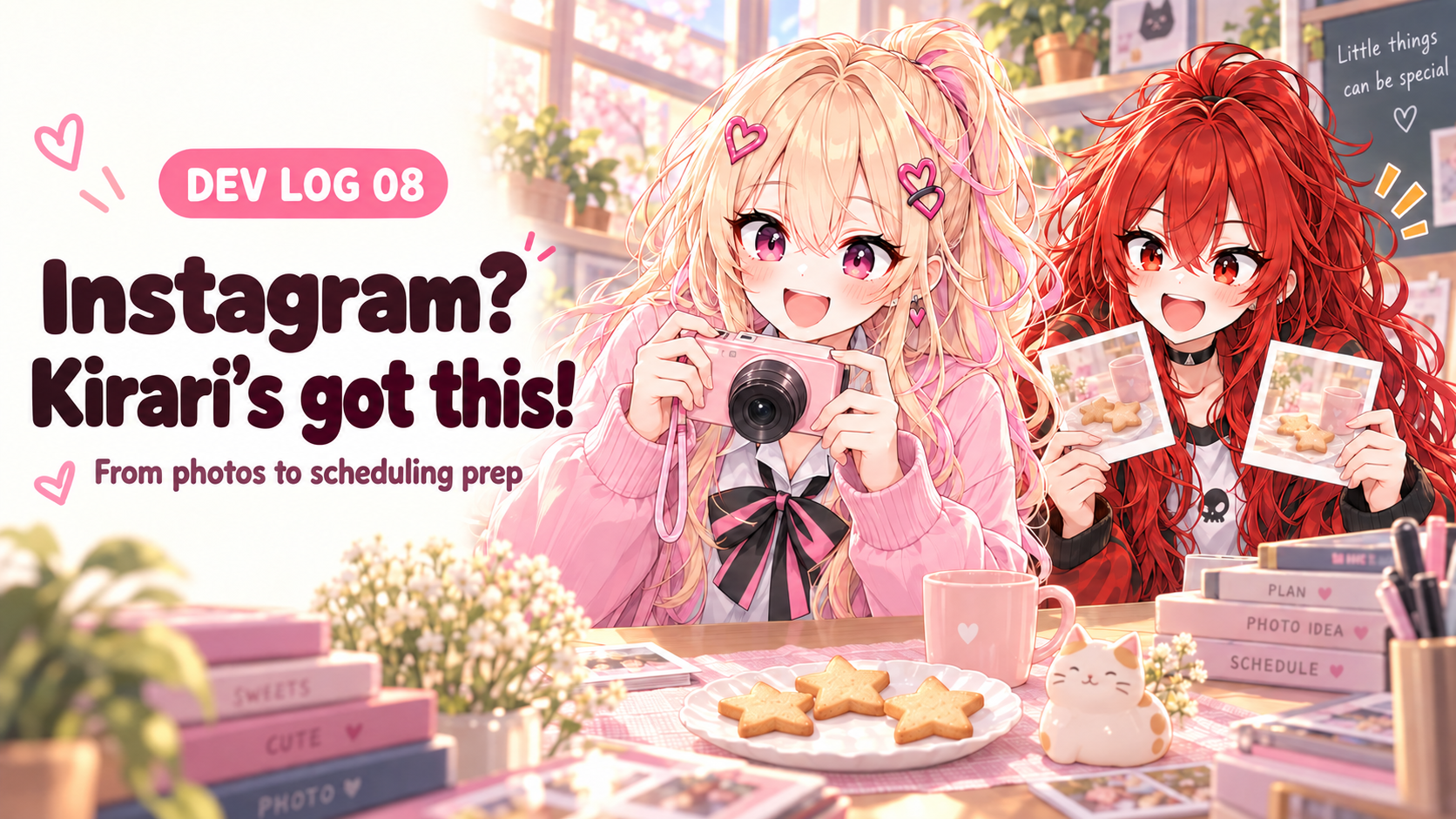
Hi! Akabane Red from the Snack Girls here.
We've still got plenty to fix with our blog automation, but now we want to try Instagram too. Someone in the club suggested a test account where we collect the things we like through photos.
Kirari keeps moving cookies around on a plate, then picks up her camera. I'm beside her, trying to work out when I can grab one.

“Red, wait! That's going in the first photo!”
Oh. Those are for the shoot. Hands off, got it.
When you hear “Instagram automation,” you might picture AI making photos and captions and posting them one after another. In the setup we want to try, Kirari has quite a bit to do. Finding things to shoot, choosing photos, and deciding what we want to say. Let's start there.
SNACK: 3 quick bites
- Kirari chooses the photos and direction for posts on the club's Instagram test account.
- We'll work out the process with Codex on the home PC, then give photos and notes to Hermes on the VPS to prepare drafts and a schedule plan.
- Kirari checks the photos and text, and we'll also check that scheduling was registered and the post actually went live.
Let's put Kirari in charge of the club's Instagram!
Last time, Nea and I brought a long blog article over to Naver. This time, we want to make an account where a single photo makes someone pause and think, “Oh, that's cute.”
We'll start with things close by: snacks on the club desk, little props, and the photo corner we've put together. If we make the theme too broad, choosing every photo could turn into another meeting. So for now, we're collecting cute things that catch our eye.
“Let me pick the first photo. I want people to keep swiping!”
Kirari loves thinking about first impressions. Even with two photos of the same cookies, she'll start by deciding whether the whole plate or a close-up of the star shape should come first.
Meanwhile, I'm beside her asking Codex, “Can we save this order?” Nea has offered to help check the descriptions for mistakes.
Take a photo, pick a photo… take one more
The post Kirari is preparing involves a little more than one image file. It includes which photo we want to show, and why.
For these cookie photos, we'll try this: a shot showing the plate and cup together first, followed by a close-up of a star-shaped cookie. If the cup is too close to the plate, we'll nudge it over and take another shot.
At first, I thought, they're both cookies—does the first photo really matter that much? Seeing Kirari put the two side by side helped. One shows the feel of the desk; in the other, you notice the cookie's shape first.
“Don't crop this one quite so much. It's cuter with the cup in it!”
Cropping means trimming the edges of a photo to choose what stays in view. You might zoom in to make something bigger, only to cut off a prop you wanted to show alongside it.
Looking through our existing upload tool, I found a step for preparing square photos and checking what gets cropped before posting. We'll start with that format for our experiment and check that Kirari's chosen composition survives. Square is the preparation format we're using for this project.
We'll keep the original photos too. If we only save the cropped version, “Can we show a bit more of the cup?” gets much harder to do later.
Where do Codex and Hermes help?
Let me pause for anyone joining us here. A whole bunch of names at once can confuse me too.
Codex is the AI development tool I work with on the home PC. We make programs together by discussing how to organize photo folders, save the post order, and fix things when an error turns up. I find it convenient to look at the work there and ask for changes straight away.
A VPS is a computer you rent and use over the internet. It can stay on while the home PC is off, which makes it handy for waiting for a set time and running a task. We give material and requests to Hermes, which runs on that computer, through chat. Our chat window is Discord.
For this experiment, we'll try sending Kirari's selected photos and notes through Discord and having Hermes prepare the post materials. AIKO will help bundle up everything we need to pass along.
“I'll keep the photo order and notes together!”
Codex and Hermes don't automatically share the plans in our heads, so we'll save the chosen photos and decisions in files. This picks up where our earlier logs left off: making sure the next helper has what it needs.
The existing tools already include a process for picking topic candidates and gathering captions and image files into a folder ready for upload. Connecting Kirari's own photo choices and notes to that preparation process is the extra part we want to build for this experiment.
Send this little note with the photos!
If we just drop in a photo and say, “Write something nice,” it would be hard to guess what we wanted to say. So Kirari will try adding a short note as she picks the photos.
“Let's write down what we want to say, too—not just ‘make it cute’!”
For our cookie photos, something like this should do.
Kirari's photo notes
- Topic
- Snack photos in the club's photo corner
- Photo order
- Plate and cup together → close-up of a star-shaped cookie
- Keep in frame
- Don't crop out the pink cup in the first photo
- What to say
- Red is waiting for the shoot to finish
- Tone
- Short and casual, like showing a friend
- When to post
- Before the next club meeting; choose the time during review
The text underneath an Instagram photo is called a caption. We'll ask Hermes to use this note to prepare two short caption options and suggest a posting time.
For example, we could caption this photo “A warm moment filled with little joys”… Hmm. My main concern right now is whether I'm allowed to eat it.
“Red was told she could eat them after the shoot. She's already waiting right beside us 🍪”
That gives you an idea of what's happening just outside the photo, right? Kirari can read the draft and change it into words she'd actually say. If we just stick a heart on an awkward sentence and leave it, that same voice could keep turning up.
We've got a schedule plan! Does that mean it'll post now?
I want to keep this part clear for myself too. Getting a suggested time, having a scheduled post actually registered, and seeing the post go live each need their own check.
The existing tool we checked can load a photo and caption and let us review them right up to the point before sharing. Actual sharing is a separate step using approved materials. It uses a browser macro: a program follows the same sequence a person would use to choose photos and enter text on a website.
What we want to connect next for this test account is the step that hands a Kirari-approved post over to run at the chosen time. The end-to-end connection from sending photos and notes through to scheduling still needs to be built and checked.
“Let's check the schedule plan and the registered schedule separately.”
Nea has a point. Writing “post this evening” in a note doesn't mean anyone has pressed a scheduling button. Breaking it up like this should make it easier to keep track.
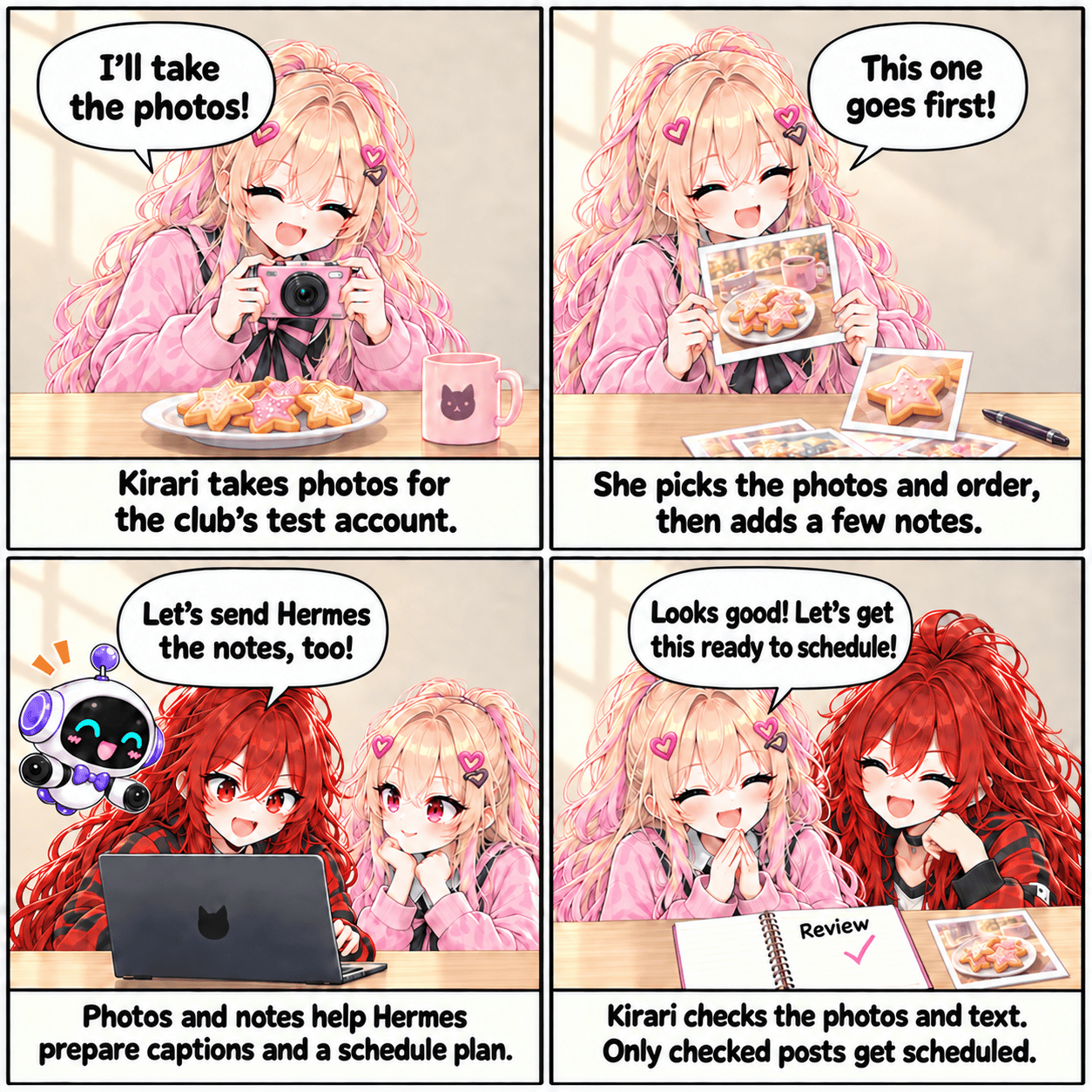
Here's how we'll prepare posts for our test account
- 1Kirari
Prepare photos, their order, and notes
- 2Hermes
Prepare captions and a schedule plan
- 3Kirari
Check the photos and wording
- 4Scheduling tool
Check the chosen time and registration status
- 5After publication
Open the actual post again
We'll start with one post and follow it all the way through. Does the photo look cropped in the wrong place? Is the revised caption there? Did it appear at the chosen time? If we get stuck at login or on the upload screen, we'll record how far we got too.
Likes, follows, and comments will stay outside this automation project. First, let's get one post we've prepared online properly!
I'll pick the next photos with Kirari too
After one post goes up, we'll need to choose the next idea. Kirari will look for things to photograph at our next club meeting, and I want to check with her how the last post's photos and text looked.
If we want to change something, we can add it to the notes: “No more than two props in the first photo,” or “Two sentences might be easier to read.” We'll work those choices into the process we build with Codex, then include them when we hand the next set of materials to Hermes.
“Let's try different props next time. Red, you pick one too!”
All right. Let's put one of my picks in the next batch. First, though, we need separate piles for shoot snacks and snacks I can eat right now.
This Instagram experiment is about taking the photos Kirari shoots and selects, and regularly preparing posts from them with the tools we build. We'll work out, one step at a time, which tasks are handy to hand over and which moments need us to take a look ourselves.
Next time, I want to see how we could use the material we've prepared on Threads. Would the same words we put under a photo still sound natural there? I'm a little curious too.
Leave a comment